Listing photo sizes for Etsy and Shopify
19 October 2026
The photo sizes and shapes Etsy and Shopify ask for, how Etsy crops your first photo, and which photos a card or print listing needs.
Etsy asks for listing photos at least 2000 pixels wide and tall, with a landscape or square first photo. Shopify takes images up to 5000 × 5000 pixels and says a square image of 2048 × 2048 usually displays best. So a landscape photo suits Etsy and a square one suits Shopify, and a shop on both can use one of each.
Etsy
Etsy’s image requirements recommend photos at least 2000 pixels on both sides. The first photo has to be at least 635 pixels on both sides, or the listing shows lower in search. Files over 1 MB may not finish uploading on a slow connection. Save photos in the sRGB colour profile, which Etsy converts every photo to, so the colours don’t shift.
A listing takes up to 20 photos and 2 videos of 5 to 15 seconds each. A main photo that’s too dark, blurry or a collage can also push a listing down the search results.
The first photo and its thumbnail
The first photo is the listing’s thumbnail. Etsy crops it to square, portrait and landscape in different parts of the site. It asks for a landscape or square first photo, so the middle of it survives every crop. Its help pages also say to avoid square crops, so landscape is safer.
Leave space around the card or print, more than looks necessary, and keep it in the middle of the photo. Then use the thumbnail tool when you add the listing to check all three crops.
The first photo also sets the shape of the photos after it, so give every photo in a listing the same shape.
3000 × 2250 and 4:3
Etsy’s recommended size is often quoted as 3000 × 2250 pixels, a 4:3 landscape. Etsy’s own pages only give the 2000-pixel minimum. A 3000 × 2250 photo meets it and is landscape, so it works well, and so does any landscape photo at least 2000 pixels tall.
Shopify
Shopify’s product image guide takes images up to 5000 × 5000 pixels or 25 megapixels, and under 20 MB. For square images it says 2048 × 2048 usually displays best. PNG and JPEG are the best file types.
Your main product images should all be the same shape, so they line up at the same size on collection pages. A product can have up to 250 photos, videos and 3D models in all.
Selling on both
Use landscape photos for Etsy and square ones for Shopify. With a camera, leave plenty of space around the card or print, so you can crop each photo both ways. If you only make one set, square works on both, though Etsy’s thumbnails favour landscape.
The photos a card or print listing needs
Buyers can’t pick up a card or print before they buy it, so the photos need to show what they’d check in a shop:
- The main photo: the card or print on its own, clearly lit, in the middle of the frame.
- A close-up of the paper or the frame, so buyers can see the texture and finish.
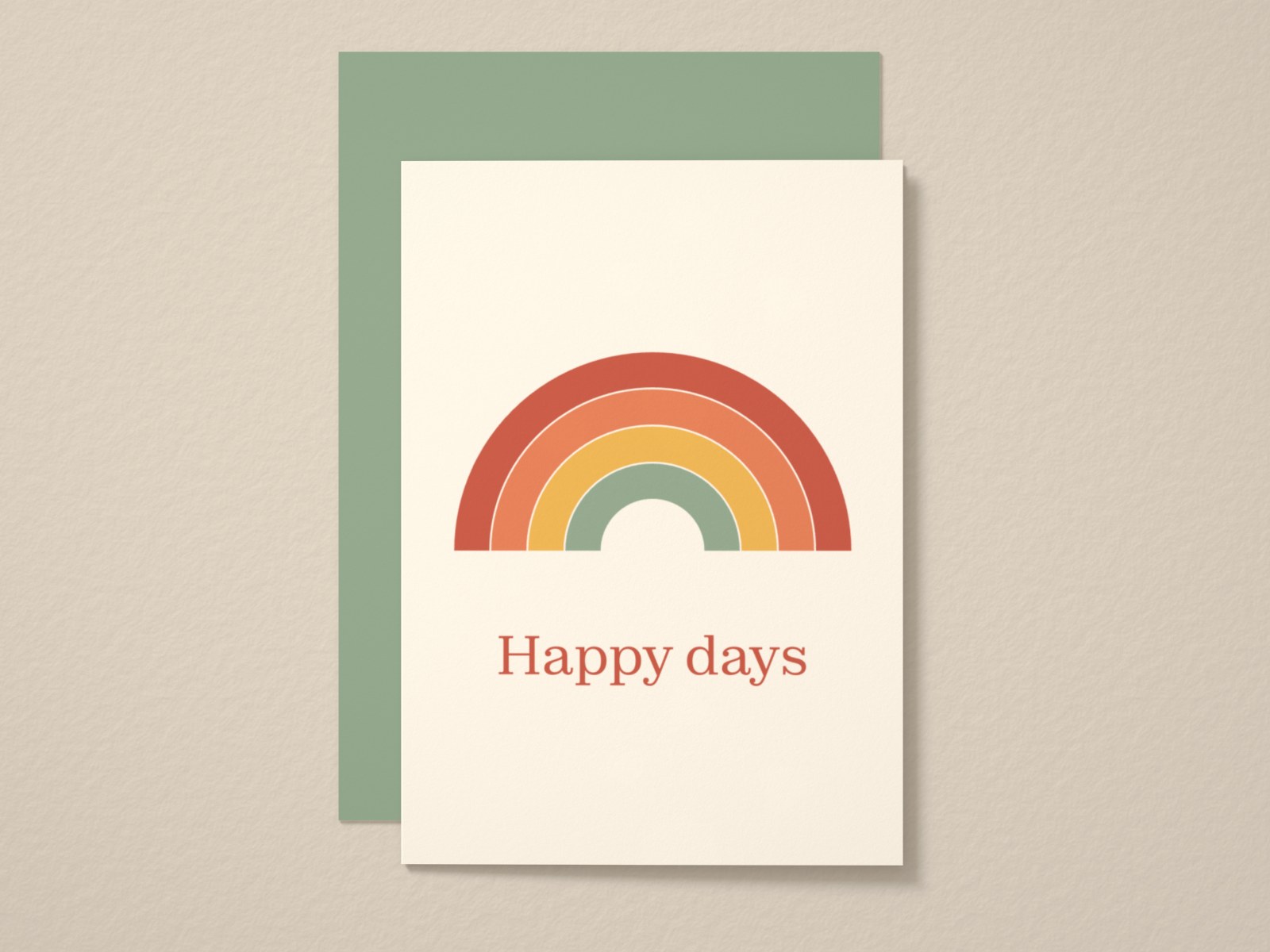
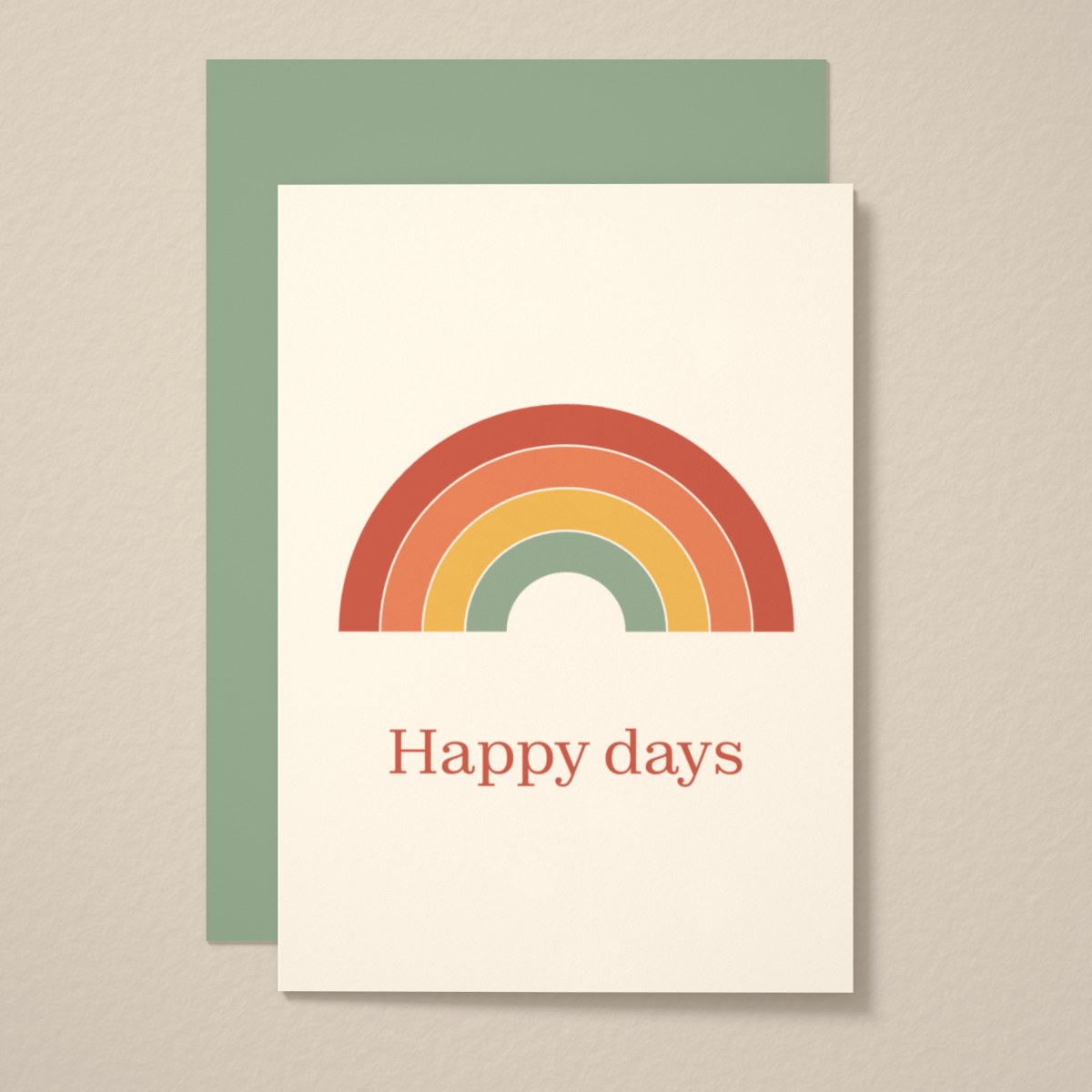
- The card with its envelope, or the print framed on a wall.
- Other designs or colours in the range, in the same light and setting.
Keep the light, background and camera angle the same across a range. A shop whose photos look like one shoot looks more professional, and buyers can compare designs at a glance.
Making the photos with Mock My Work
Mock My Work downloads landscape photos at 3000 × 2250 pixels and square ones at 2048 × 2048, the size Shopify suggests. It has three portrait shapes too, all from the same scene. Download the Etsy set in landscape, then change the shape to square and download again for Shopify. The scene stays the same, so both sets have the same light, paper and camera angle.